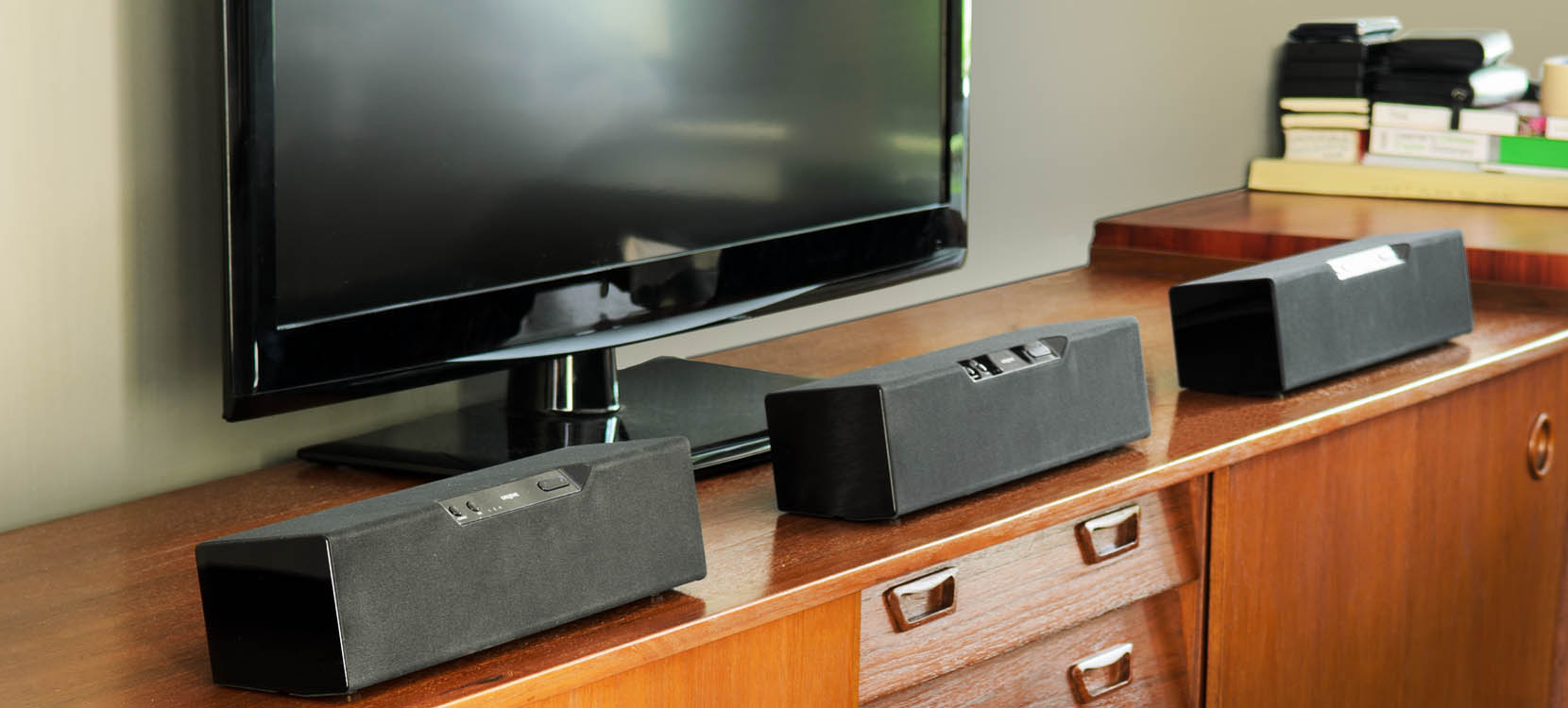
What are Modular Speakers?
Modular design employs the concept of combining standardized units to build larger and customized configurations, giving users the flexibility and freedom to create the setup they desire.
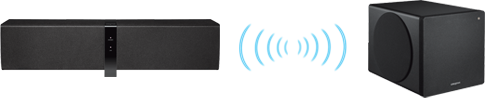
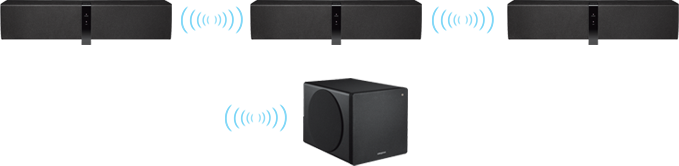
With Creative’s modular wireless speakers, you don’t need to purchase the ultimate 3.1 configuration all at one go. You can get one speaker unit first, and then subsequently add on more units or a subwoofer whenever you feel like it.
And even if you have a complete 3.1 system, you don’t have to be stuck with this setup forever. Being modular means your speakers can be easily delinked and transformed into two or more separate speaker systems.